

VS Code Extension
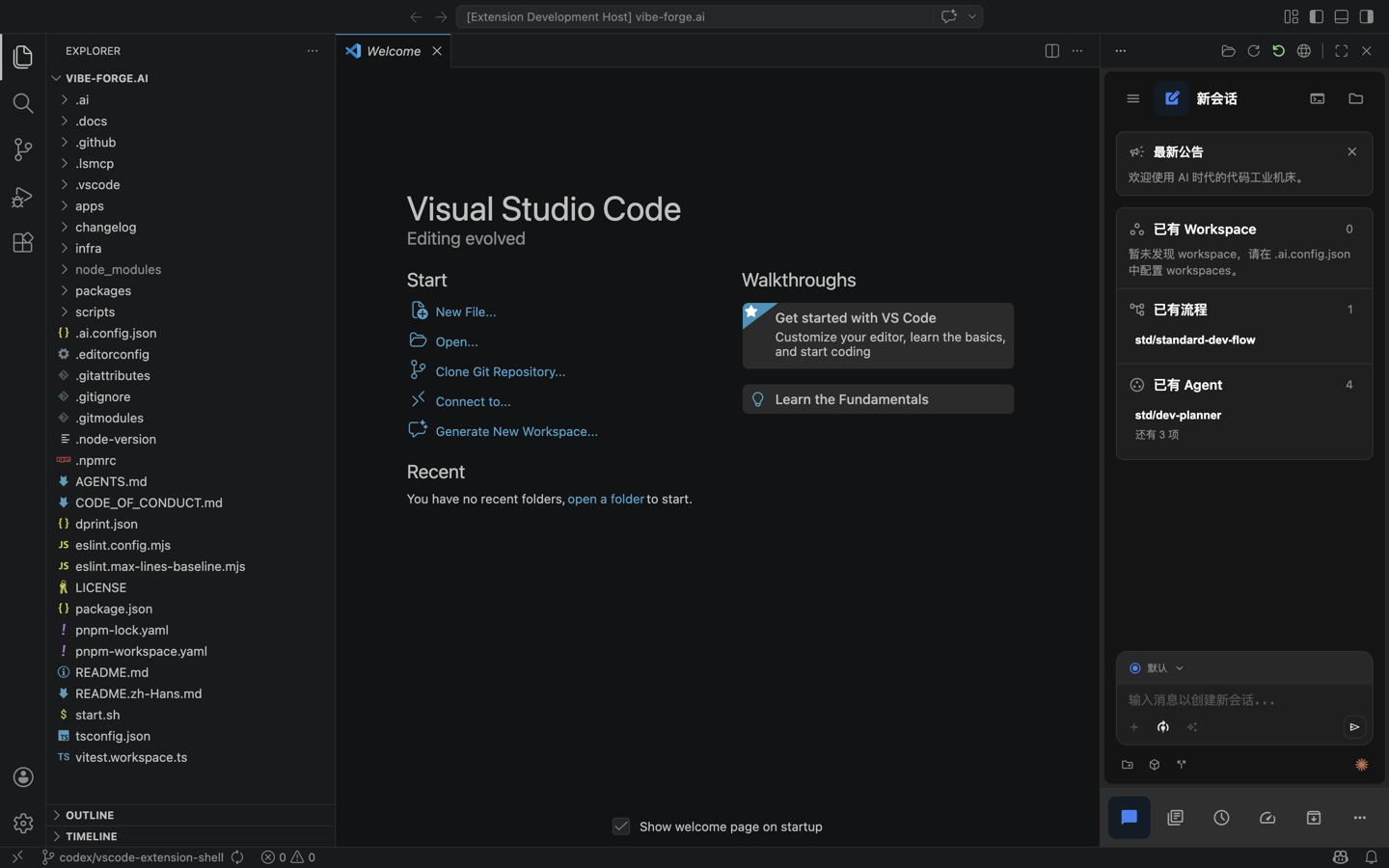
The VS Code extension opens One Works inside the editor and connects it to the current workspace.
Install
Use the VSIX artifact from the One Works release or build it from source when developing the repository.
After installation, open a workspace folder in VS Code and start the One Works view from the activity bar. The extension resolves the project root, starts or connects to a local service, and embeds the Web UI.
Workspace Semantics
- The opened VS Code folder is used as the project workspace.
- Project configuration and
.oo/assets are resolved the same way as the CLI and Web entry points. - Runtime data is stored under the project home, not under the extension installation directory.
- The extension uses the same server APIs as the Web UI, so sessions, configuration, plugins, adapters, and terminal views follow the normal project runtime.
When to Use It
Use the extension when you want One Works side by side with source editing in VS Code. Use the desktop app when you want a dedicated project window, and use the Web UI when you want a browser-based or remote workflow.